

In 2026, Google’s Core Web Vitals remain a cornerstone of search engine rankings and user experience. These metrics, Largest Contentful Paint (LCP), Interaction to Next Paint (INP, which replaced First Input Delay), and Cumulative Layout Shift (CLS), measure how quickly a page loads, how responsive it is to user input, and how visually stable it appears.
For WordPress site owners, ignoring these signals can result in lower visibility, higher bounce rates, and lost conversions.
Begin with a comprehensive audit using Google’s PageSpeed Insights or the Lighthouse tool in Chrome DevTools. Most WordPress sites suffer from common performance bottlenecks: unoptimized images, excessive third-party scripts, render-blocking CSS/JavaScript, and inefficient hosting. Addressing these systematically can yield dramatic improvements.
First, choose a lightweight, performance-optimized theme. Avoid bloated multipurpose themes that load unnecessary features. Themes like Astra, GeneratePress, or Kadence are built with speed in mind and offer deep integration with page builders without sacrificing performance. Pair your theme with a reliable caching plugin, WP Rocket, LiteSpeed Cache, or W3 Total Cache, to serve static HTML files, minify assets, and enable browser caching.
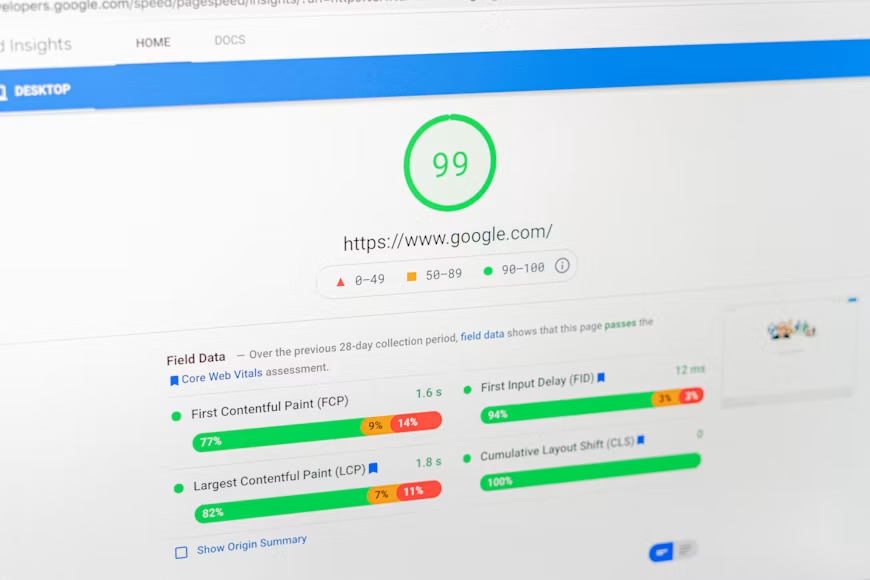
Image optimization is critical. Check if images are converted to formats like WebP or AVIF, which offer superior compression without quality loss. Lazy loading is important as it allow images to load only when they enter the viewport.
Plugins like ShortPixel, Imagify, or EWWW Image Optimizer automate this process during upload. Also, specify image dimensions in your HTML to prevent layout shifts, a major contributor to poor CLS scores.
Next, defer non-essential JavaScript and eliminate render-blocking resources. WordPress loads many scripts by default, including jQuery and emoji support, which may not be needed. Plugins like Autoptimize or Asset CleanUp allow to remove unused scripts and defer others until after the page loads. For critical above-the-fold content, consider inlining essential CSS.
Your hosting environment plays a pivotal role. Shared hosting often lacks the resources needed for fast response times. Upgrade to managed WordPress hosting (e.g., Kinsta, WP Engine, or Cloudways) that includes server-level caching, PHP 8.2+, and HTTP/3 support. These providers also offer built-in CDN integration, which reduces latency by serving content from servers closest to your users.
Core Web Vitals can degrade over time as you add new plugins or content. It is essential to make sure to monitor your site continuously.
Speed isn’t just about rankings, it’s about respecting your users’ time and delivering a seamless experience that encourages engagement and trust.